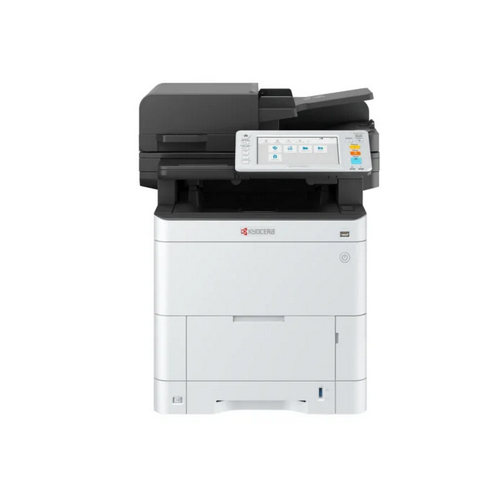
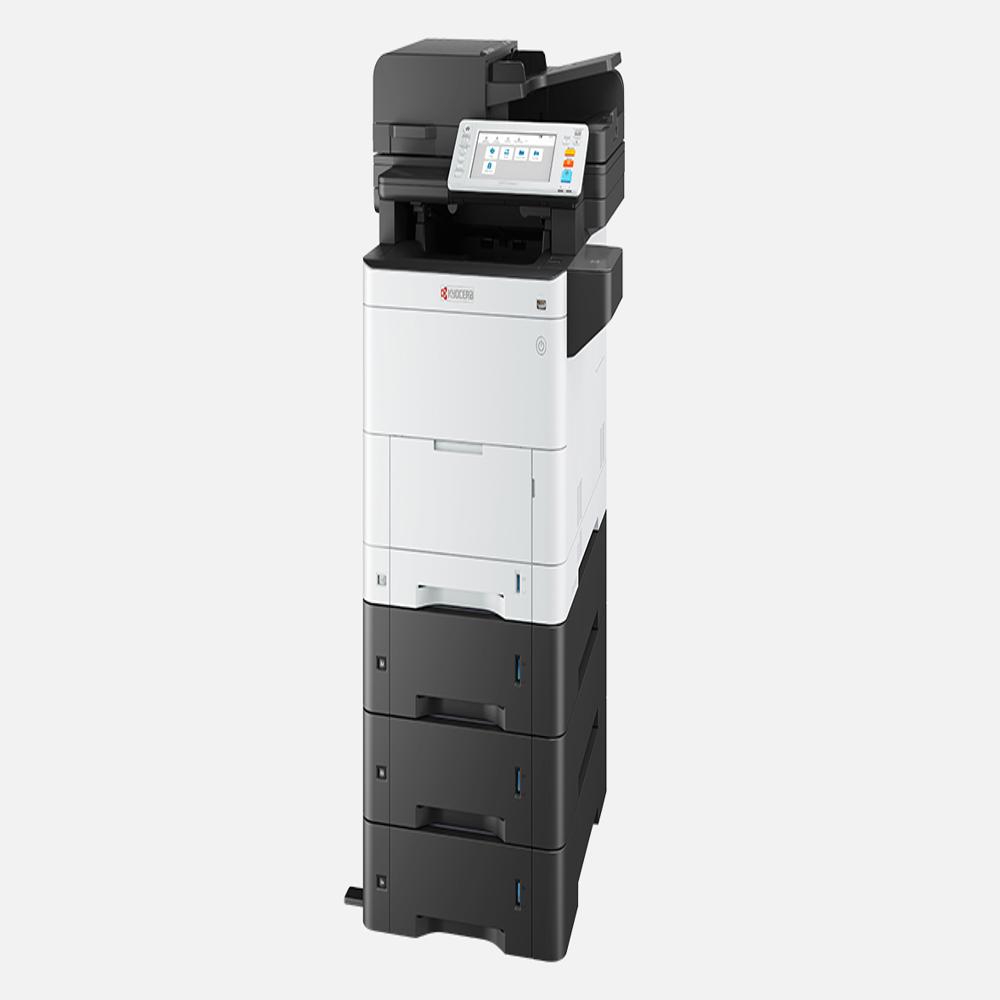
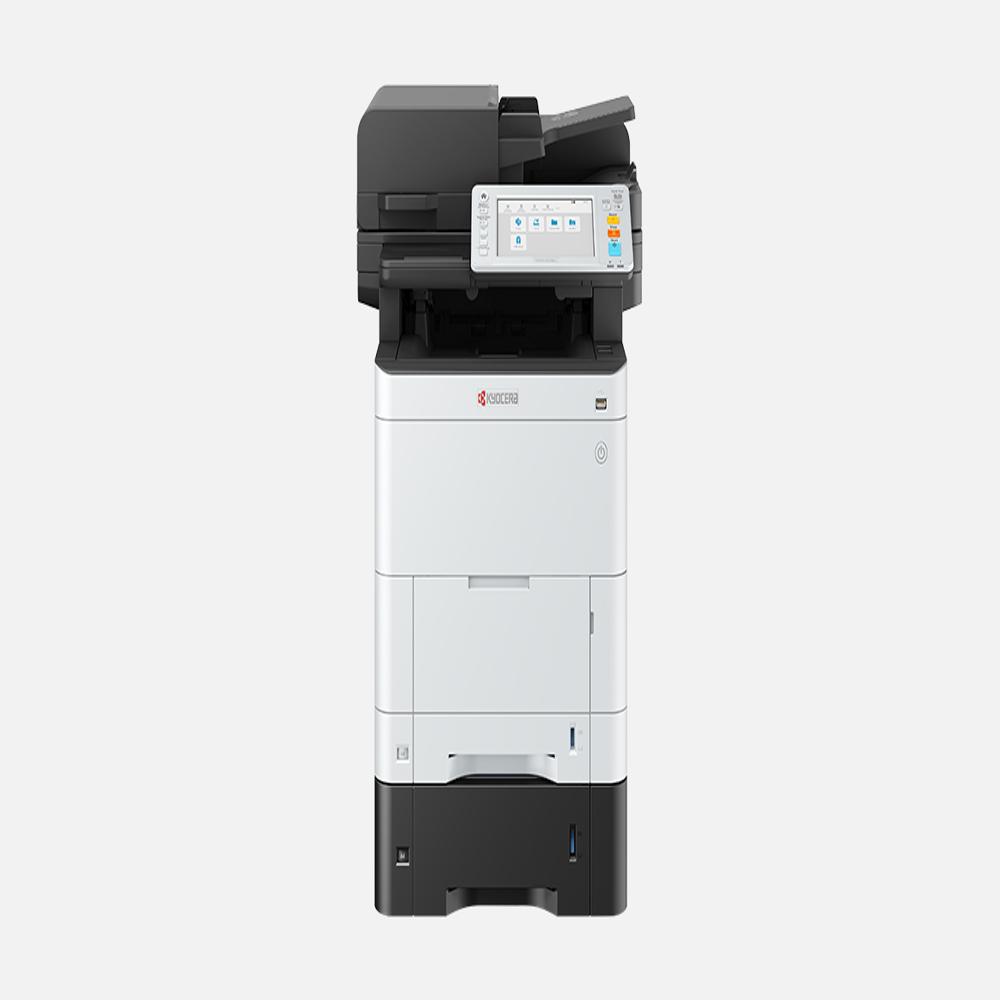
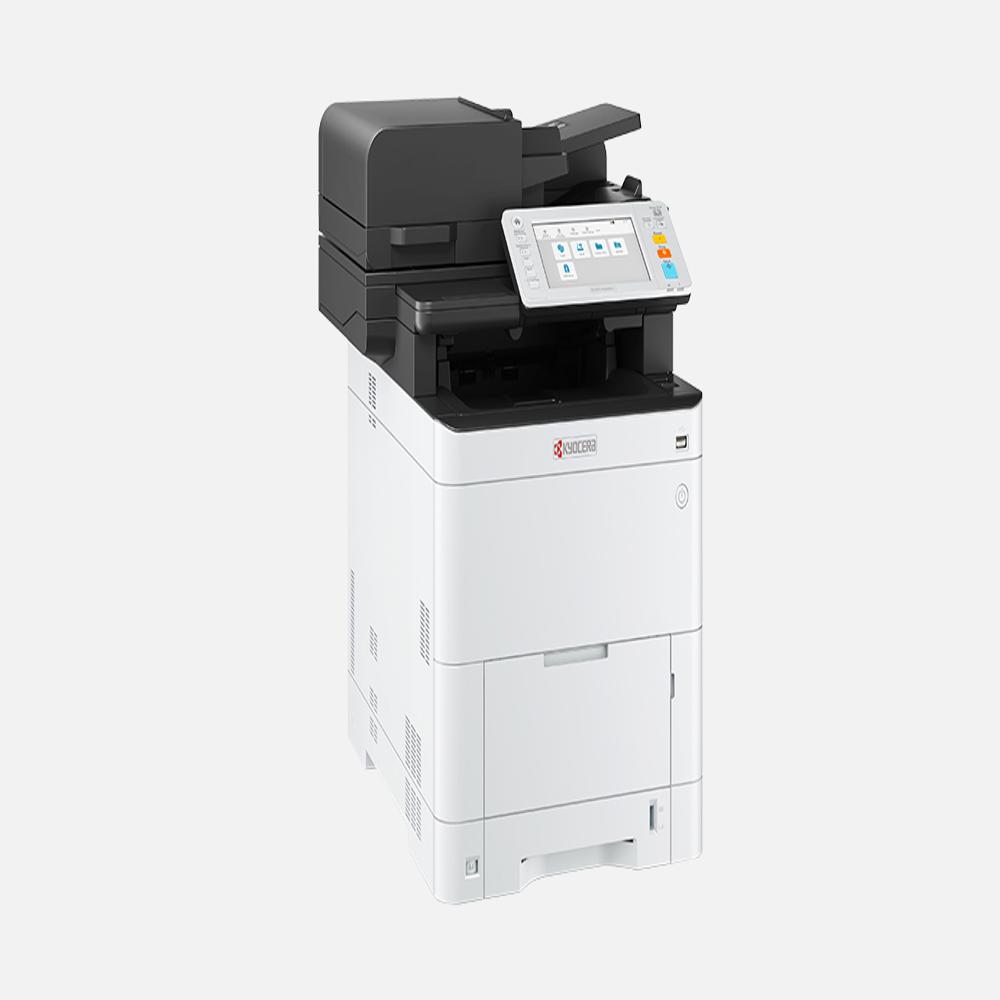
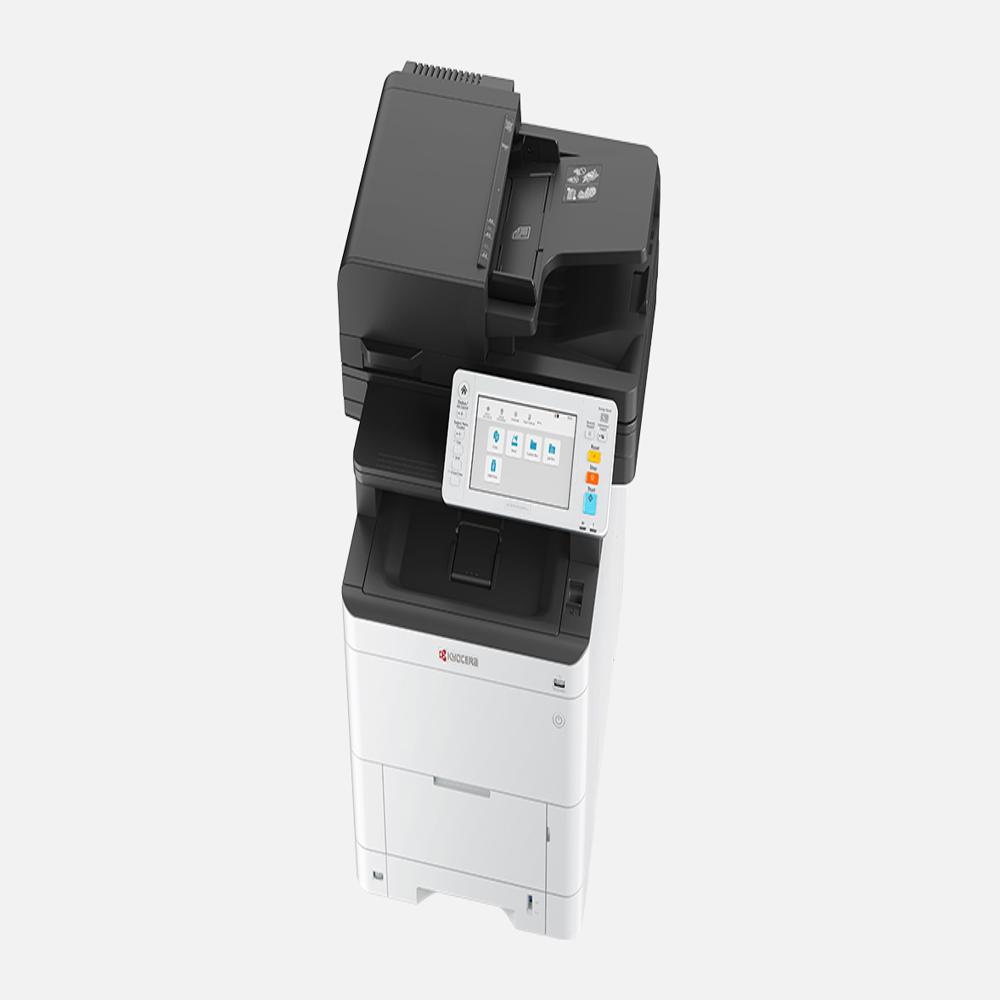
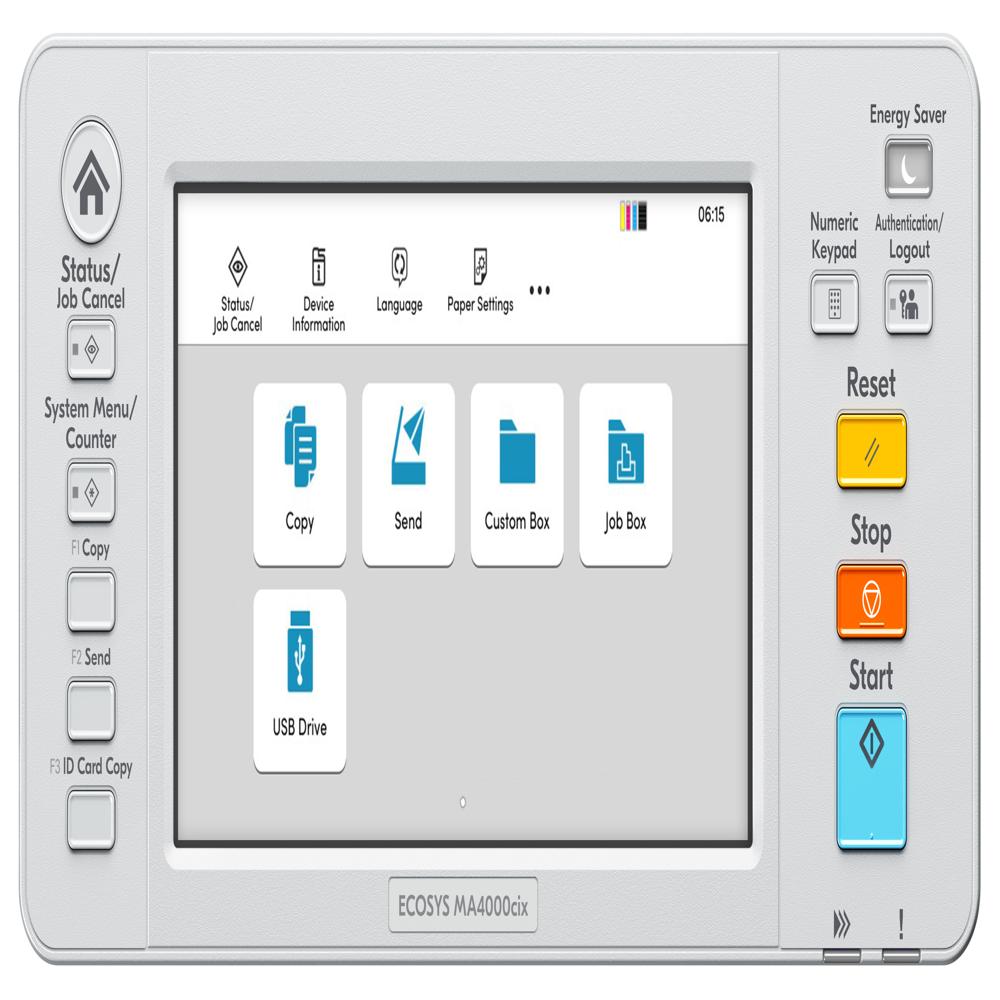
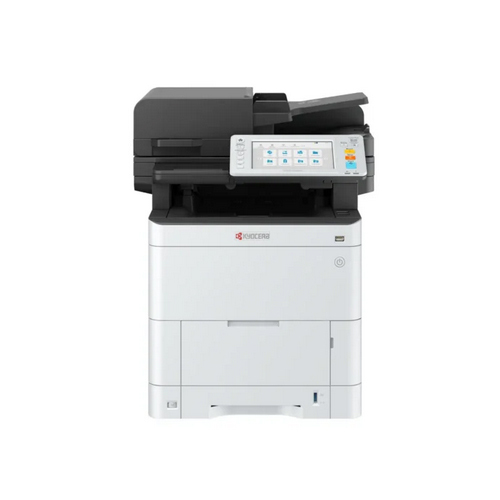
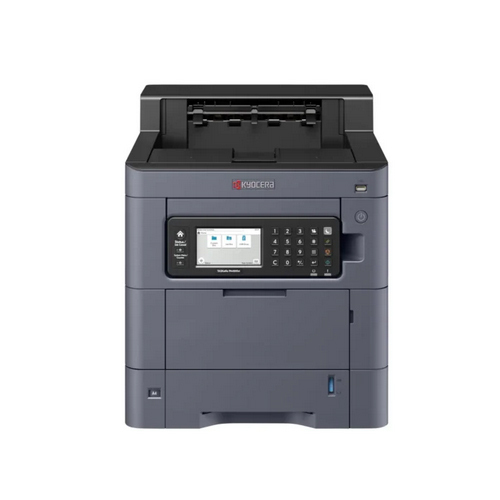
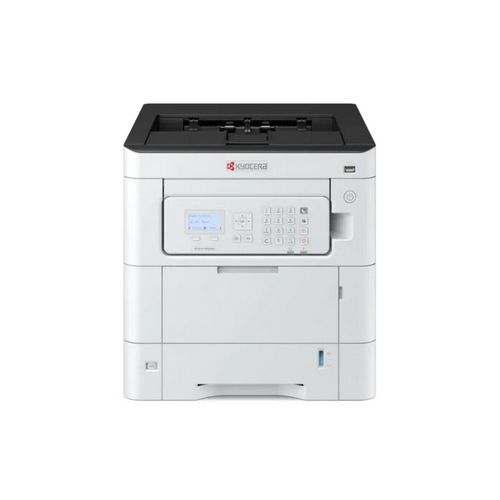
Kyocera Ecosys MA3500cix Multifunction Printer

Kyocera Ecosys MA3500cix Multifunction Printer

Price 85000.0 INR/ Piece

MOQ : 1 Piece

Kyocera Ecosys MA3500cix Multifunction Printer Specification

  • Features
  • 7 Inch Touch Screen, Duplex, HyPAS, Banner Printing, Card Authentication
  • Display Type
  • 7 Inch Touch Screen Panel
  • Print Technology
  • Color Laser
  • Scanning Resolution
  • 12001200dpi (TWAIN/WIA), 600600dpi, 300300dpi, 200200dpi, 200100dpi
  • Dimension (L*W*H)
  • 480mm 577.5mm 575mm Millimeter (mm)
  • Scan Speed
  • 60/40 ipm (simplex), 100/80 ipm (duplex)
  • Accessory Name
  • PF-5150 (550 sheets), Card Authentication Kit(B), IB-53 (Gigabit Ethernet), IB-37 (Wireless LAN), HD-17/HD-18 SSD, SCAN EXTENSION KIT(A) AC, Card Reader Holder 12
  • Connectivity Type
  • Production Output
  • 35 Product/Minute
  • Usage & Applications
  • Office, Workgroup
  • Install Type
  • Desktop
  • Function Type
  • Copy, Print, Scan, Fax*
  • Power Consumption
  • 479.1W (Print), 18.8W (Standby), 0.5W (Energy Saver) Kilowatt (kW)
  • Memory Size
  • 1,536MB (max 3,072MB) Megabyte (MB)
  • Processor Speed
  • ARM Cortex-A9 Dual core 1.2GHz + ARM Cortex-M3 100MHz
  • Paper Size
  • Cassette: Legal - A6R, MPT: 356216mm - 14070mm
  • Noise Level
  • 51dB(A) (Operating), 30dB(A) (Standby) db
  • Type
  • Document Printer
  • Interface Type
  • Other
  • Color Depth
  • O Color
  • Scan Type
  • Other
  • Print Speed
  • 35 ppm (A4 Color) PPM
  • Max Paper Size
  • Folio (Legal), Banner (1220mm 216mm)
  • Size
  • 480mm 577.5mm 575mm
  • Weight
  • 39kg Kilograms (kg)
  • Optional Storage
  • SSD 64GB/256GB
  • Embedded OCR Option
  • SCAN EXTENSION KIT
  • Maintenance Kit
  • MK-5370 (200K pages)
  • Output Capacity
  • 250 sheets
  • PDL
  • PCL6, KPDL3, XPS, PDF
  • Wireless Option
  • IEEE 802.11a/b/g/n/ac
  • Image Type Modes
  • Text, Photo, OCR
  • Standard Paper Capacity
  • 250+100 sheets
  • First Copy Time
  • 6.1s mono, 7.2s color
  • DP Install Max Scan
  • 998 sheets
  • Copy Resolution
  • 600600dpi
  • Card Reader Option
  • Card Reader Holder 12
  • Warm-up Time
  • 26 seconds
  • Multiple Copy
  • 1-999 copies
  • First Print Time
  • 5.7s mono, 7.0s color
  • Encryption Communications
  • IPsec, HTTPS, SNMPv3
  • Operating System Support
  • Windows, MacOS (inferred)
  • Max Paper Capacity
  • 2000 sheets
  • Drum Life
  • 200,000 pages
  • Consumable Yield
  • 7K/5K (normal)
 

Kyocera Ecosys MA3500cix Multifunction Printer Trade Information

  • Minimum Order Quantity
  • 1 Piece
  • Payment Terms
  • Cash in Advance (CID)
  • Supply Ability
  • 10 Pieces Per Month
  • Delivery Time
  • 7 Days
  • Main Domestic Market
  • All India
 

About Kyocera Ecosys MA3500cix Multifunction Printer


Discover the celebrated Kyocera Ecosys MA3500cix Multifunction Printer - the newest release that stands as a brilliant choice for bustling enterprises and modern offices. Select this opulent deal to elevate productivity with swift first print times of just 5.7 seconds for mono and 7.0 seconds for color. Opulent paper handling features include a maximum capacity of 2,000 sheets and a durable drum life of 200,000 pages. Enjoy advanced encryption, wireless options, and compatibility with both Windows and MacOS. This is the ultimate solution for businesses seeking reliability and efficiency in India.

Kyocera Ecosys MA3500cix: Versatile Usage and Suitability

The Kyocera Ecosys MA3500cix Multifunction Printer is widely used as a high-performance printing, copying, and scanning solution in corporate offices, educational institutions, and workflow-intensive organizations. This celebrated printer type is ideal for both small workgroups and larger business units demanding high-volume, rapid, and secure document processing. Its robust design and adaptable features make it suitable for continuous usage, supporting varied professional environments and operational requirements efficiently.


Premium Payment Terms & Certifications for Hassle-Free Acquisition

With the Kyocera Ecosys MA3500cix, enjoy premium procurement processes backed by industry-recognized certifications. Payment terms are designed to suit diverse customer needs, ensuring smooth transactions at the best rate. FOB port shipment options enable secure goods transport across India, ensuring timely delivery and product safety. Rely on this esteemed supplier and trader for complete after-sales support, integrating convenience and trust into every business deal involving the Kyocera ecosystem.


FAQ's of Kyocera Ecosys MA3500cix Multifunction Printer:


Q: How does the Kyocera Ecosys MA3500cix enhance productivity in office environments?

A: The Kyocera Ecosys MA3500cix accelerates office productivity with rapid first print and copy times, high resolution, extensive paper capacity, and multifunction capabilities, enabling quick turnaround on critical tasks.

Q: What are the main benefits of the advanced encryption communications available in this printer?

A: Advanced encryption modes like IPsec, HTTPS, and SNMPv3 ensure secure data transfer, protecting sensitive documents and maintaining confidentiality within networked office environments.

Q: Where is the Kyocera Ecosys MA3500cix best utilized?

A: This multifunction printer is best suited for corporate offices, administrative departments, and educational institutions where high-volume, secure, and reliable printing, copying, and scanning are required.

Q: What is the process for installing the optional wireless and storage features?

A: The wireless option (IEEE 802.11a/b/g/n/ac) and SSD storage modules can be added during initial setup or as upgrades later, following Kyocera's straightforward installation guides and support.

Q: When should maintenance kits be replaced for optimal performance?

A: Maintenance Kit MK-5370 should be replaced after approximately 200,000 pages to ensure consistent print quality and trouble-free machine operation.

Tell us about your requirement
product

Price:

Quantity
Select Unit

  • 50
  • 100
  • 200
  • 250
  • 500
  • 1000+
Additional detail
Mobile number

Email

More Products in Color Multifunction Printers Category

Kyocera Ecosys MA3500cifx Multifunction Printer

Kyocera Ecosys MA3500cifx Multifunction Printer

Minimum Order Quantity : 1 Unit

Production Output : Max 250 sheets facedown

Max Paper Size : Folio (Legal) Mini: A6R

Usage & Applications : Office multifunctional printing, copying, scanning, faxing

Install Type : Standalone or Network installation

Function Type : Copy, Print, Scan, Fax*

Kyocera TASKalfa PA4500ci Multifunction Printer

Kyocera TASKalfa PA4500ci Multifunction Printer

Minimum Order Quantity : 1 Unit

Production Output : Up to 500 sheets output

Max Paper Size : Legal (Folio) via cassette, Banner (1220mm x 216mm) MPT

Usage & Applications : Office, Workgroup Printing

Install Type : Desktop

Function Type : Singlefunction Printer

Kyocera Ecosys PA4000cx Multifunction Printer

Kyocera Ecosys PA4000cx Multifunction Printer

Minimum Order Quantity : 1 Unit

Production Output : Drum Life 200,000 pages

Max Paper Size : Folio (Legal) A6R for cassette, Folio (Legal) A5R (optional), Banner up to 1220mm x 216mm (MPT)

Usage & Applications : Office Desktop Printing

Install Type : Standalone/Desktop

Function Type : Single Function (Printer)

Kyocera Ecosys PA3500cx Multifunction Printer

Kyocera Ecosys PA3500cx Multifunction Printer

Minimum Order Quantity : 1 Unit

Production Output : Max 250 sheets output facedown

Max Paper Size : Folio (Legal), Banner (1220mm x 216mm, Simplex)

Usage & Applications : Office, small business environments

Install Type : Desktop unit

Function Type : Print only (not MFP)


Back to top